Why a comparative approach matters
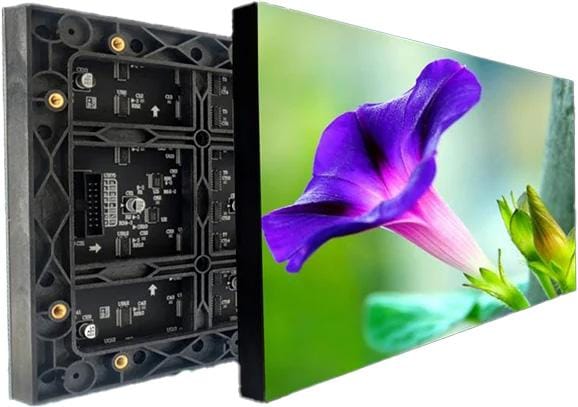
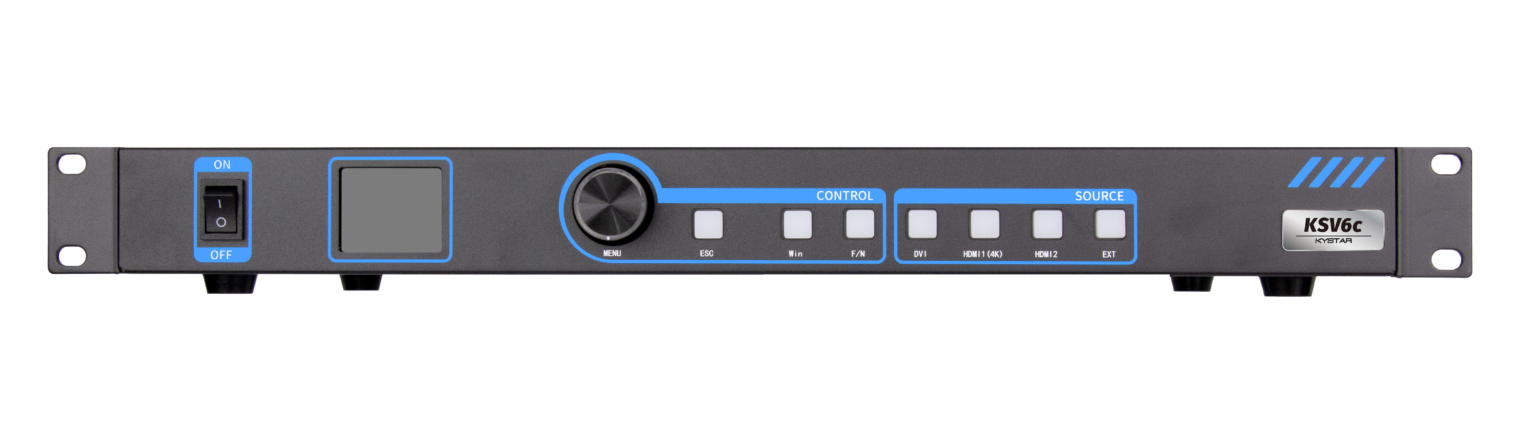
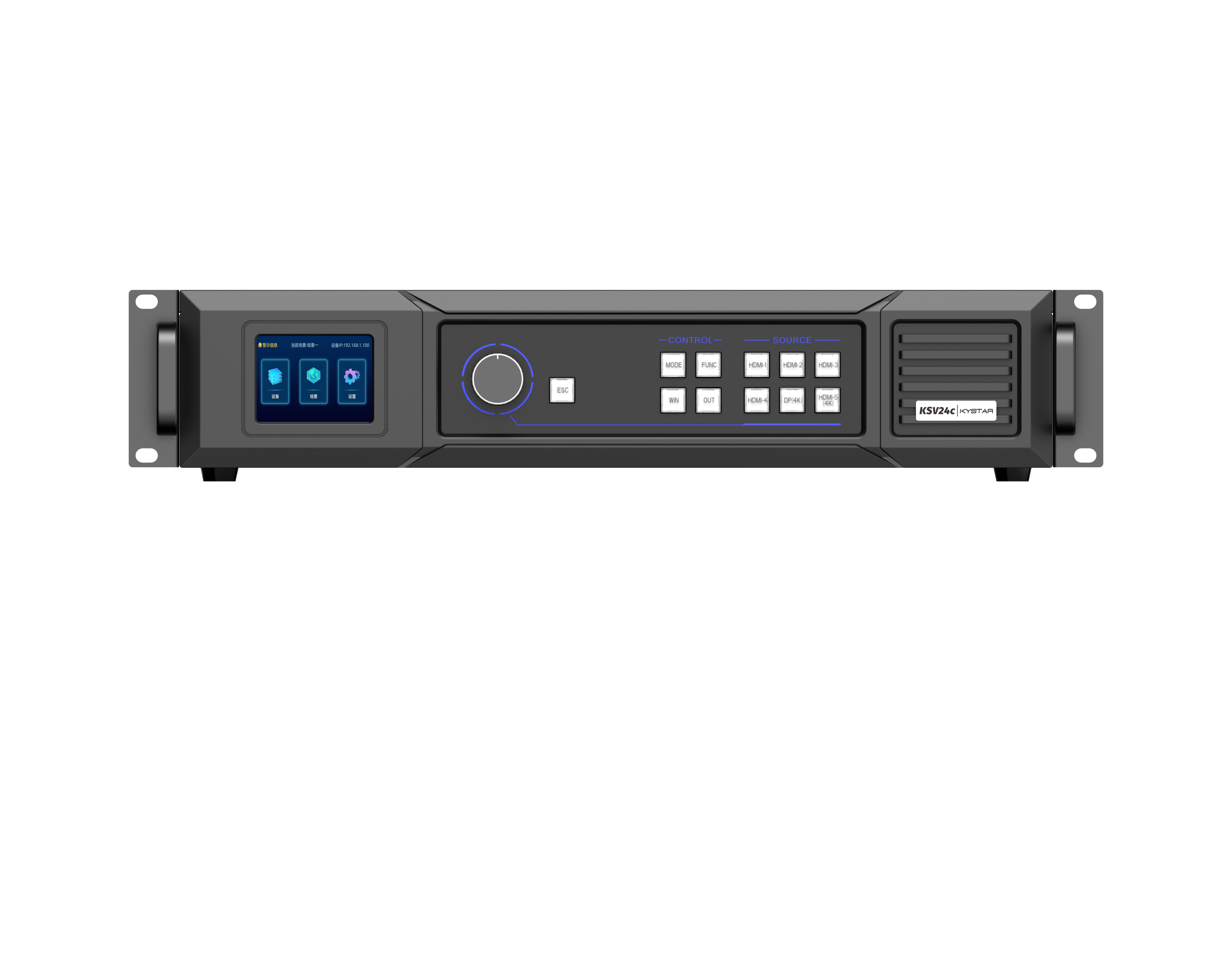
Picking a video processor for a large-format LED wall is less about brand hype and more about matching capabilities to the deployment. In busy installations—from Times Square façades to corporate lobbies—the decision changes how content scales, syncs, and survives. A practical evaluation will consider latency, color calibration, and input handling; start by reviewing options like a dedicated LED video controller alongside media servers. This keeps the discussion technical and grounded in real operational needs rather than marketing claims.
Core comparison criteria
Organize comparisons around measurable, repeatable criteria. Use these checkpoints:
– Resolution and pixel mapping capacity: confirm native support for panel pitch and overall pixel count. A video processor must handle the final output without excessive scaling artifacts.
– Inputs, EDID management, and scalers: HDMI/DP counts matter, but so does how the unit manages EDID and variable frame rates.
– Frame rate, latency, and synchronization: live events demand sub-frame alignment and reliable sync across cabinets—look for explicit sync features and genlock options.
– Color calibration and processing pipeline: a strong color pipeline reduces on-site calibration time and preserves brand color fidelity.
– Redundancy and matrix switching: for mission-critical venues, matrix switcher capability and redundant paths prevent single-point failures.
Common pitfalls in selection and deployment
Installers often pick controllers based on price or a single standout spec. That produces mismatches during integration—most commonly: wrong scaler choices, overlooked frame rate conversion, and insufficient I/O for future expansion. During an operational production teardown, teams should log {main_keyword} and {variation_keyword} alongside rack diagrams and cable runs; that record prevents surprises when swapping sources. Also, neglecting on-site color calibration increases display variance across multiple walls.
How real projects differ: three comparative scenarios
Compare three typical approaches to see practical trade-offs.
– Single-box processors: compact and cost-effective, they simplify setup but may limit complex pixel mapping and large-scale synchronization.
– Distributed controllers and LED screen control systems: scale well and offer per-panel tuning. They require more network planning but keep latency predictable—useful for stadium wraps.
– Media servers: excel at creative playback, multi-layer compositing, and timeline control; they can be heavier to configure and demand stronger GPU performance.
Times Square installations and international events tend to blend these approaches—media servers for content, distributed controllers for panel-level control—because scale and uptime are non-negotiable. That real-world anchor shows why single-dimension choices rarely hold up under varied load.
Common mistakes integrators make—briefly
Integrators skip firmware compatibility checks and underestimate cable runs. They assume default EDID settings will work, or they forget to test worst-case signal chains. Address these early: verify firmware, test long runs at full resolution, and confirm hot-swap behavior for power and network failures.
Three golden rules for selecting a processor (Advisory)
1) Match I/O and processing headroom to planned peak use. Aim for at least 20–30% more bandwidth and input capacity than current needs to accommodate future sources and upgrades.
2) Require explicit synchronization and redundancy specifications. If the system will run live content across multiple cabinets, insist on genlock, frame-locking, and redundant network paths as part of acceptance testing.
3) Validate color pipeline and calibration workflow on-site. Bring test patterns, measure with a colorimeter, and confirm the processor supports the calibration profiles you need.
Final check: when you choose a solution, assess its maintenance model and firmware support lifecycle so the equipment remains operable for years; that practical durability is where Kystar often adds value in complex builds. Kystar.
—